
Free handyman invoice software for rental property work
By AnyStead team · Published
Short answer
Record each job as a charge the day you do it, with the job site, the client, what you did and the amount. When you bill, put a client's open charges on one invoice with the property on every line, and send it. AnyStead does this free, and your first invoice needs no account.
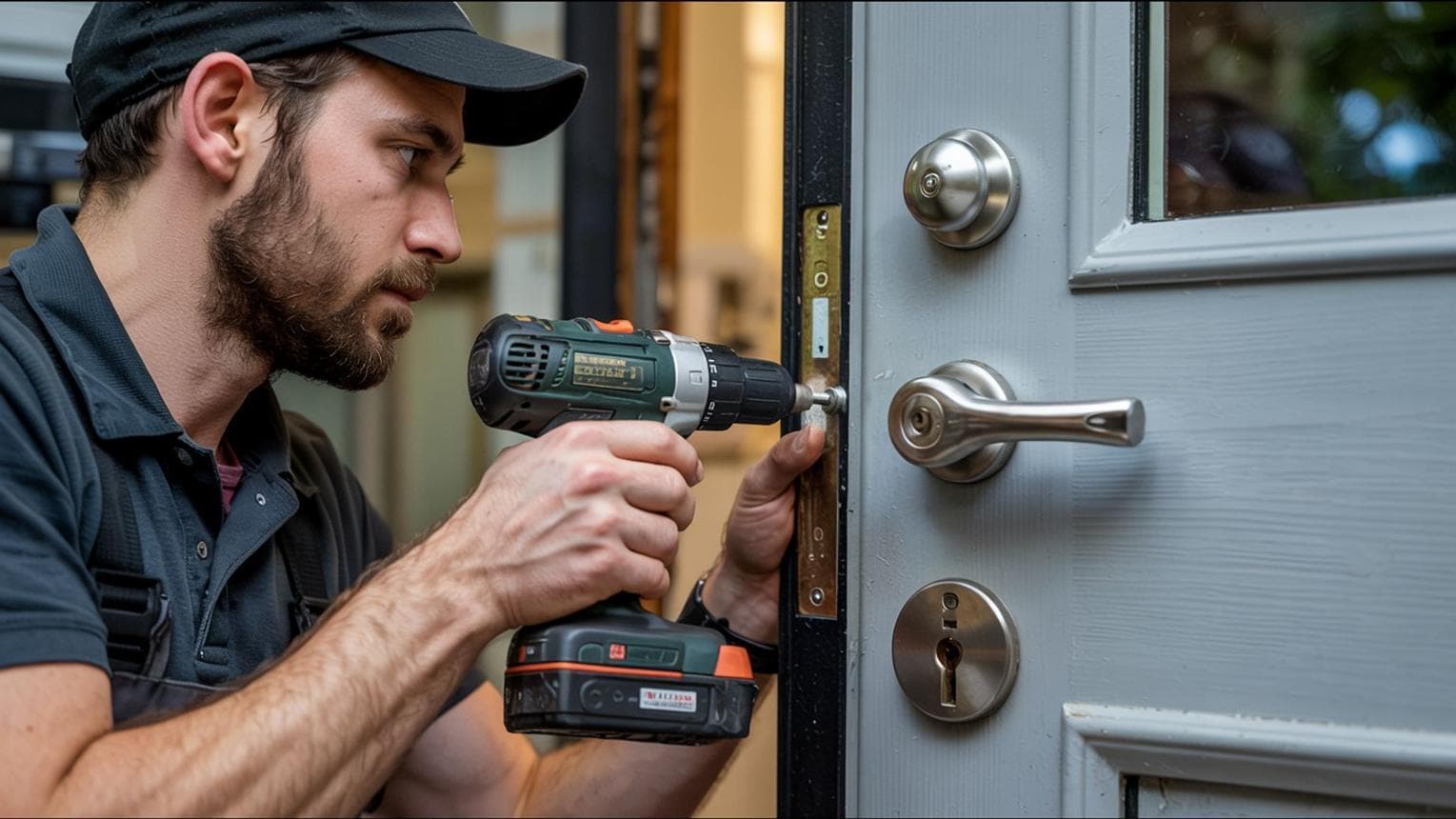
The requests come in by text. "Broken bathroom light bulb upstairs on the right." "Front door keypad isn't taking the code." "Guest says the bed frame wobbles." A handyman who works for rental managers can hit five properties for three clients in one afternoon, and every one of those small jobs has to end up on the right bill.
That last step is where money goes missing. Here is how to bill rental work so nothing falls through, using free tools built for it.
Why a handyman invoice template falls short for rentals
A Word or spreadsheet template assumes one customer and one job site per invoice. Rental work is the opposite: one property manager, many houses, lots of small jobs, a trip fee here, a part from the hardware store there. With a template you retype addresses, copy line items from your texts, and hope you remembered the Tuesday call.
What works better is recording the work as it happens and building the invoice from those records. That is the whole idea behind charge, invoice, payment.
How to invoice handyman work, step by step
1. Record the job before you leave the driveway
Each job becomes a charge: the job site, the client who pays, what you did in plain words, the date and the amount. "Replaced pendant bulb, upstairs bath" tells a manager more than "Repair". You can type the amount and the date right into the description and AnyStead fills in those fields for you.
2. Put labor, parts and trip fees on their own lines
Payers approve itemized bills faster. Record labor, materials, travel, after-hours and emergency fees as separate charges, each with its type, and a trip where nothing got fixed as a trip or no-show fee. If you bought a part at the store, record it as materials so the owner sees what they paid for and what was your time.
3. Log bigger repairs before you start them
Set an approval amount in your settings. A charge above it waits as "Waiting for approval" until you record that the client agreed, and it cannot go on an invoice before then. When you had to fix it first, like a leak at midnight, you record that too: done first, client told after.
4. Bill each client once, for all their properties
When it is time to bill, select a client's open charges and choose one invoice, one per property, or one per month. With the property on every line, an owner with three rentals gets one bill and can still see what each house cost. Set each client's billing rhythm once, weekly or monthly, and AnyStead reminds you when a cycle closes.
5. Send it, then record the payment
Email the invoice after you confirm it, or share a link and a PDF. When the client pays by Zelle, check or cash, record it. Part payments are fine: the invoice shows what is still owed.
Example: one month for one property manager
Here is what a month of small jobs looks like for one client with three rentals. The amounts are examples, not price advice.
| Date | Job site | What was done | Amount |
|---|---|---|---|
| Oct 3 | Lakeview Unit 2 | Replaced two pendant bulbs, tightened bed frame | 65.00 |
| Oct 3 | Lakeview Unit 2 | Bulbs (materials) | 14.50 |
| Oct 9 | 812 Palm Ridge | Smart lock: new batteries, reset guest code | 45.00 |
| Oct 14 | Oak St duplex A | Patched drywall behind door, touch-up paint | 120.00 |
| Oct 21 | 812 Palm Ridge | Trip fee: guest still inside, no access | 35.00 |
| Oct 22 | 812 Palm Ridge | Mounted TV, set up streaming stick | 95.00 |
One invoice, three properties, every line answerable. If you are not sure what else belongs on it, use the invoice checklist. For the jobs rentals call about most, see the most common handyman jobs at short- and long-term rentals.
Licensed trades work the same way
Plumbers, electricians and HVAC techs who serve rentals bill service calls the same way: one charge per call, the property on every line. There are a few differences worth knowing, covered in plumber and electrician invoices for rental properties.
What it costs
Nothing. You can make and send an invoice in AnyStead without an account. A free account adds everything above: charges, your job sites and clients, approvals, reminders and payment records. It is not a trial and there is no card to enter. We wrote down why invoices are free and why they will stay that way.
Frequently asked questions
Is AnyStead free for handymen?
Yes. You can make and send invoices without an account, and a free account adds charges, job sites, clients and payment records. It is not a trial, nothing expires, and there is no card to enter.
Can I make a handyman invoice without signing up?
Yes. Open the free invoice page, add a line for each job with its property, and send it or share a link. If you create a free account later in the same browser, the invoices you made come with you.
Can one invoice cover jobs at several properties?
Yes. Each line carries its own property, so a property manager or an owner with several rentals gets one invoice for the week or the month and can still see what each home cost.
How do I bill a trip when nothing got fixed?
Record the trip as its own charge, such as a travel or no-show fee, with a short note of what happened: the guest was still inside, the part was wrong, the door code failed. The client sees why there is a charge with no repair behind it.
Can clients pay me through AnyStead?
AnyStead shows your payment details on the invoice, like Zelle, Venmo, Cash App, PayPal, check or cash, and records the payments you receive so you can see what is still owed. It never stores card or bank account numbers.